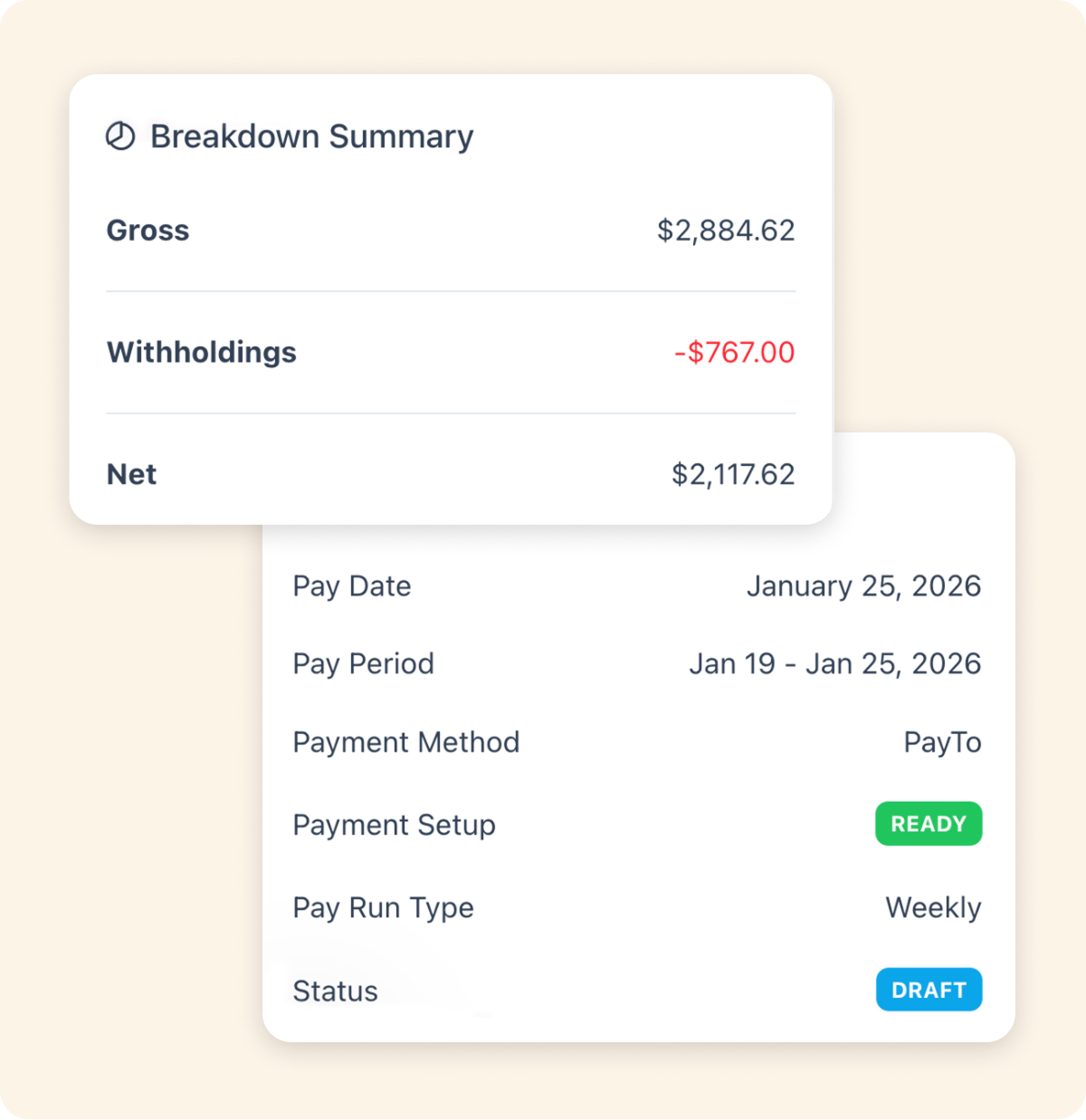
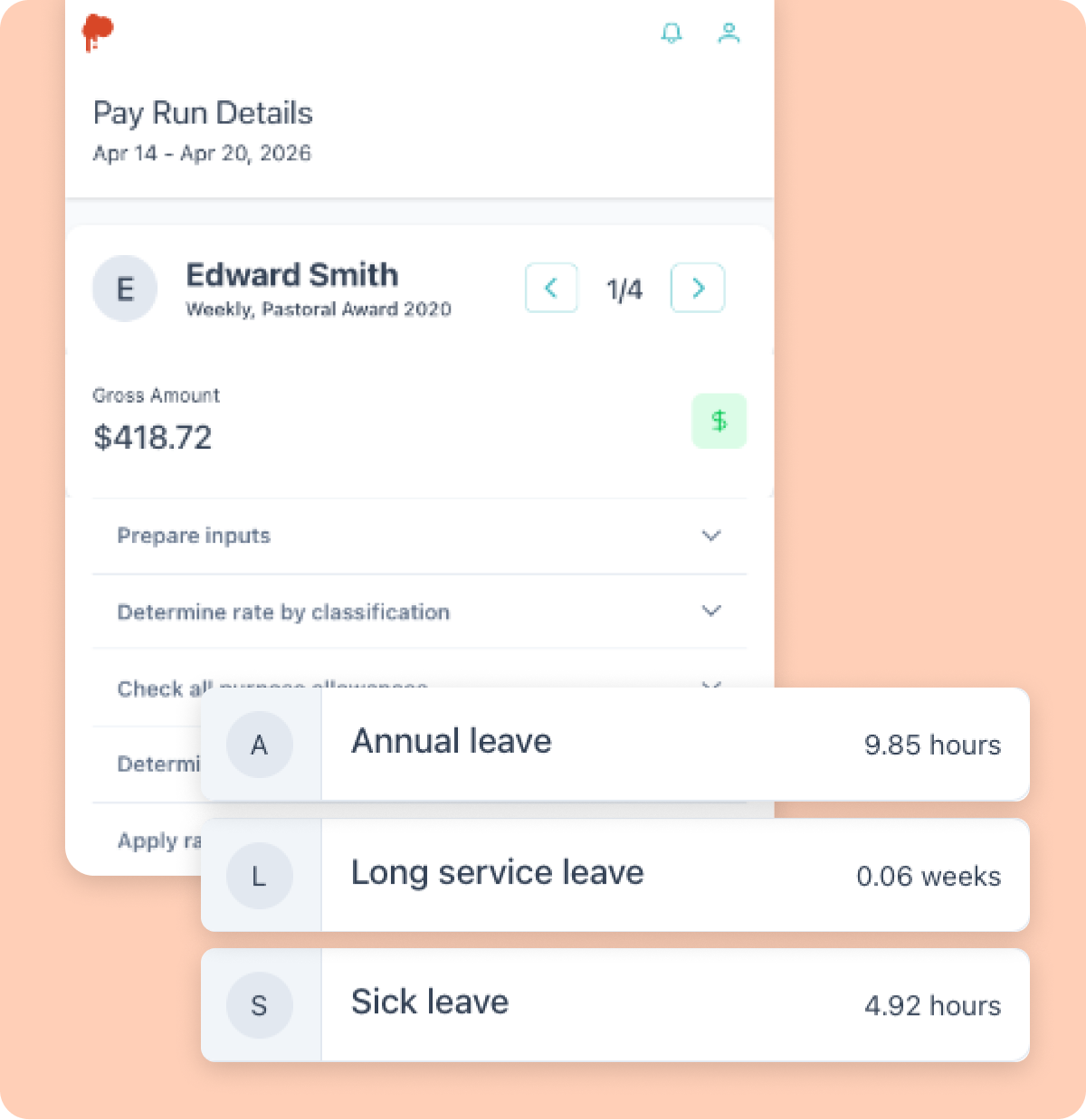
Tax sorted. Every single payday.
PAYG withholding made simple. PaySauce deducts the right tax from every pay run and reports it straight to the ATO automatically. No manual adjustments. No mistakes
What is PAYG withholding?
Paying your team right means keeping the taxman happy too.
PAYG withholding is the tax your business deducts from employee wages and sends to the ATO on their behalf. It makes sure your team's tax obligations are handled correctly every pay run.
For small business owners, this can feel complicated. Variable hours, casual staff, industry awards and changing tax tables all add up. Getting it wrong, even unintentionally, can mean ATO penalties and back payments.
PaySauce simplifies it. Every calculation is automatic. Every pay run is reported to the ATO in real time. Nothing slips through the cracks.
- Tax withheld calculated correctly every pay run
- Tax tables updated automatically when the ATO makes changes
How PaySauce helps
Single Touch Payroll. Built right in.
Every time you run payday, PaySauce automatically reports your payroll information to the ATO through Single Touch Payroll. No separate lodgements. No extra steps. Just compliant, real-time reporting every single pay run.
- PAYG withholding calculated and submitted automatically
- STP reporting straight to the ATO every pay run
- PAYG summaries and compliance reports ready when you need them
- Works seamlessly with super, allowances and penalty rates
Automatic PAYG calculations
The correct tax withheld from every pay run, every time. Tax tables updated automatically when the ATO makes changes. No manual adjustments. No errors.
Single Touch Payroll built in
Every pay run reported to the ATO in real time. No separate lodgements, no extra admin. STP phase 2 compliant from day one.
PAYG summaries ready to go
All your compliance reports and PAYG summaries in one place, ready for the ATO without any extra effort. Audit-ready records always on hand.
Managing PAYG the old way vs the PaySauce way.
THE OLD WAY
- Manually calculating tax withheld every pay run
- Checking ATO tax tables every time they change
- Separate lodgements for STP reporting
- Hoping the numbers are right
THE PAYSAUCE WAY
- PAYG calculated automatically every pay run
- Tax tables updated in real time
- STP reporting to the ATO with every payday
- Compliant, accurate, done in minutes
PAYG withholding. Your questions answered.
PAYG withholding is the tax your business deducts from employee wages and sends to the ATO. It ensures your employees' income tax obligations are met throughout the year rather than all at once at tax time.
Single Touch Payroll (STP) is an ATO requirement for employers to report payroll information (including wages, tax withheld and super) to the ATO each time you run payday. PaySauce does this automatically on every pay run.
PaySauce uses the ATO's current tax tables to calculate the correct amount of tax to withhold from each employee's pay. When the ATO updates tax tables, PaySauce updates automatically.
A Tax File Number (TFN) declaration is a form employees complete when they start work. It tells you their tax file number so you can apply the correct withholding rate. Employers enter the employee's TFN into PaySauce and it is included in STP reporting to the ATO. Note that TFN declaration forms are not collected or lodged through PaySauce, employers are responsible for managing this separately.
Incorrect PAYG withholding can result in ATO penalties and back payments. PaySauce reduces this risk by calculating and reporting the correct amount automatically every pay run.
Yes. PaySauce calculates the correct PAYG withholding for all employee types (full-time, part-time, casual and seasonal staff) based on their earnings each pay run.
It depends on how much you withhold. Most small businesses are "quarterly payers" meaning they send withheld tax to the ATO four times a year through their BAS. PaySauce keeps your records ready so BAS time is straightforward.
Yes. At the end of each financial year, PaySauce finalises your STP data with the ATO. Your employees can then access their income statement directly through myGov. No payment summaries to print or post.